Wallet passes for party rental customersNext year, they won't have to search for you.
Most customers rent from you once or twice a year. In between, they forget your name. A wallet pass keeps your logo on their phone, in the wallet they already use.
The cards on this page are examples. Delivery updates and event passes are coming next.
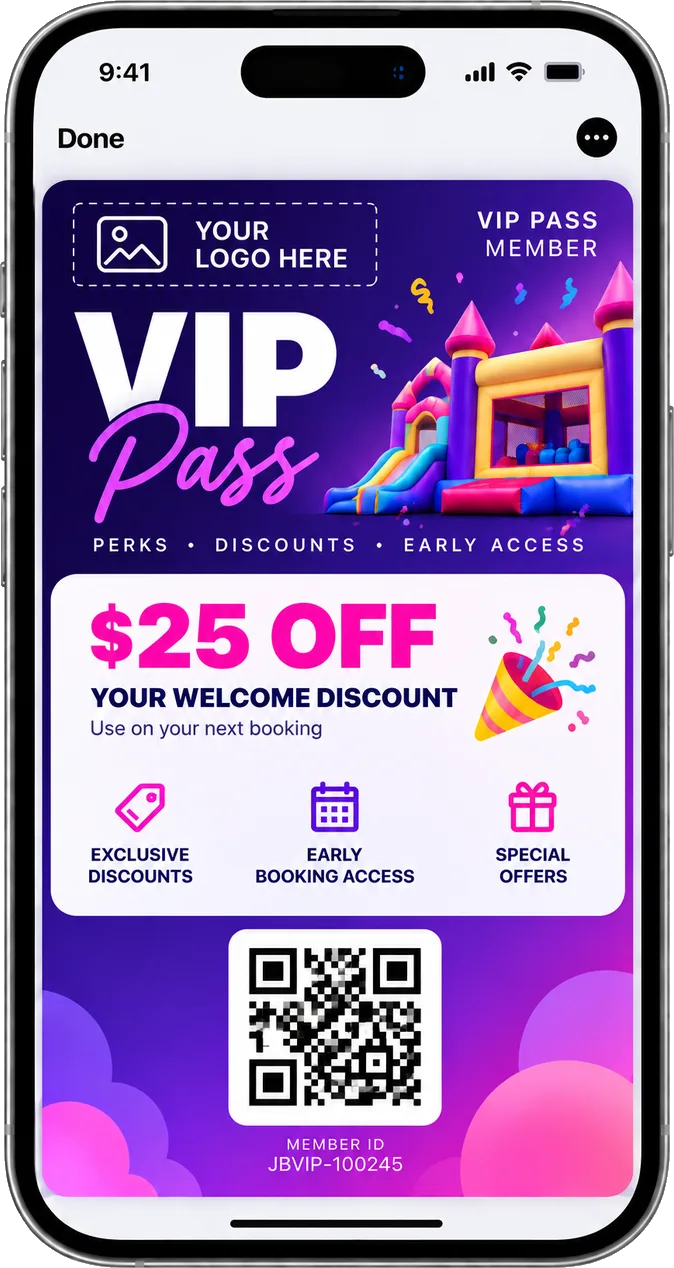
$25 off
Their next booking
Your Company
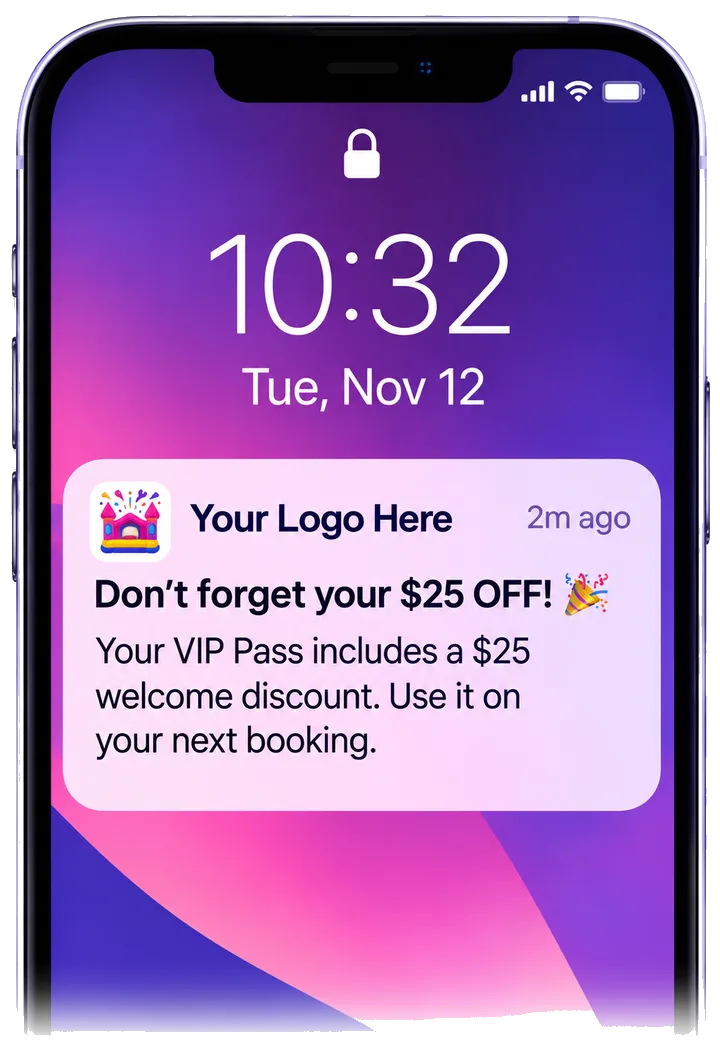
Push notification · now
Summer dates are open.
Pass holders get first pick, before we post them anywhere else.
- 0 apps
- Nothing new for customers to download
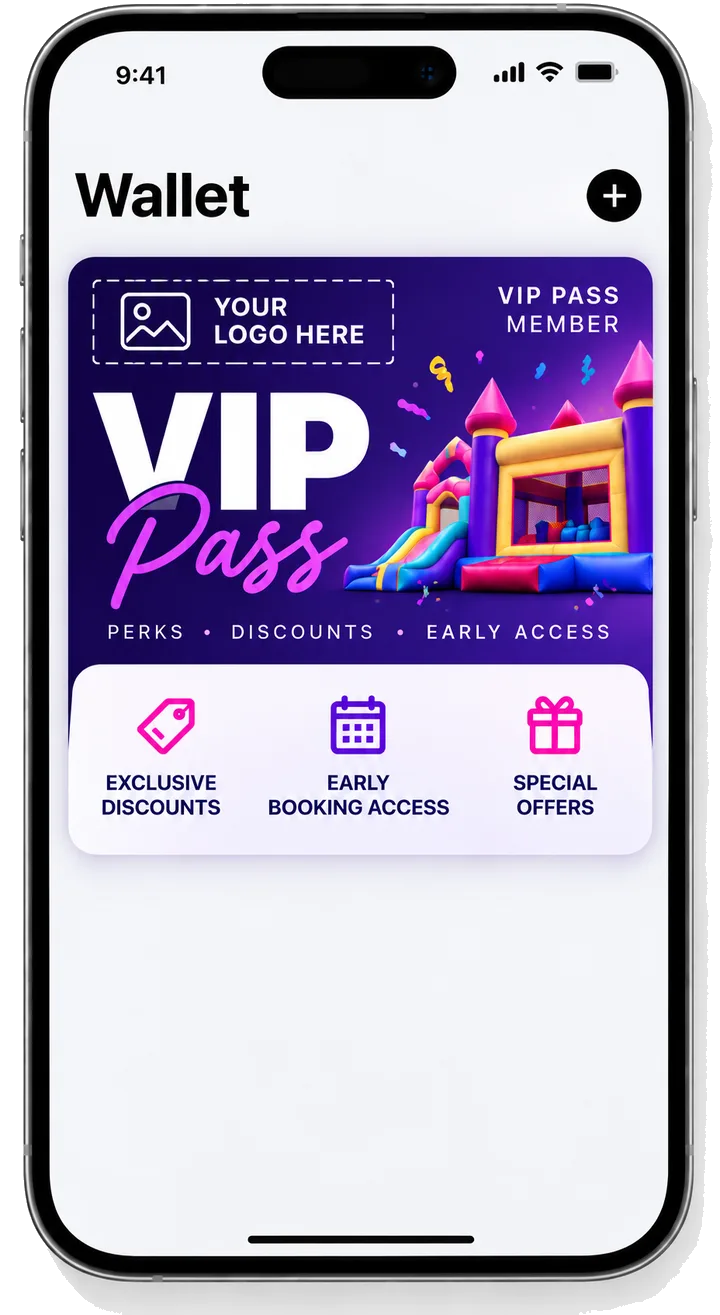
- Your logo
- Customers see your company, not Jumpbook
- Lock screen
- Push notifications show where they look, not in the inbox
Your name gets lost after the party
Most rental software sends a confirmation email and stops there. That email gets buried. By next summer, they search again and book whoever shows up first.
- It's not you. Your software was built to take the booking, not to stay in touch
- The wallet stays. A pass sits on their phone until they delete it
No app for them to download
People are tired of apps. Few will download one for a company they rent from once a year. The wallet is already on their phone, next to their boarding passes and tickets.
- Apple Wallet or Google Wallet. One tap to save. No download, no login
- Your logo on the card. Customers see your company, not Jumpbook
An offer that doesn't get lost
A code in an email gets buried. A coupon on the card is there every time they open their wallet. Change it or end it whenever you want.
- A coupon. Like $25 off their next booking
- Early access. Pass holders get first pick of your deals
- An end date. The card can stop showing the offer when it's over
Push notifications on their lock screen
Emails land in a crowded inbox. A push notification from your pass shows on the lock screen, where people look all day. Send one when you have something worth saying.
- Summer dates first. Tell pass holders your dates are open before anyone else
- An open weekend. Fill a slow Saturday with the people who already rented from you
- Only people who saved your pass. It's not a blast to your whole customer list
- They stay in control. Customers can turn notifications off or delete the pass anytime
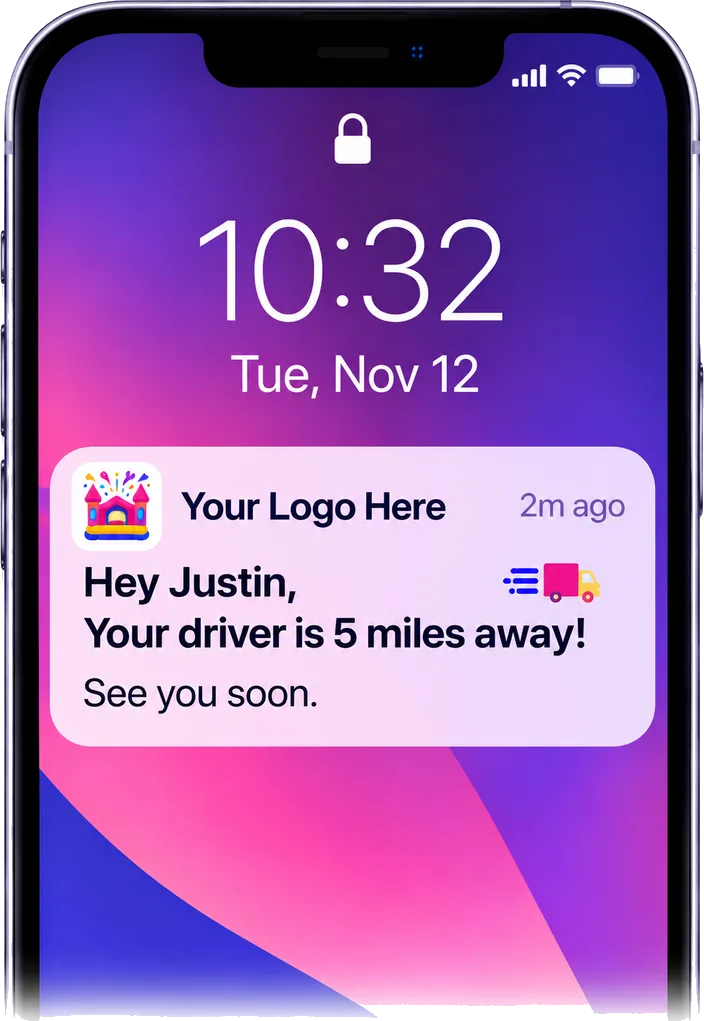
"Your driver is 5 miles away" on their lock screen
Today, Jumpbook emails customers when the truck is on the way and about 5 miles away. Coming next: that same update will also show up as a push notification on their lock screen.
- A reason to save your pass. Customers save it for delivery updates, then keep it for your deals
- The email still goes out. Customers without the pass get the same update by email
More than rentals. Help your clients run better events.
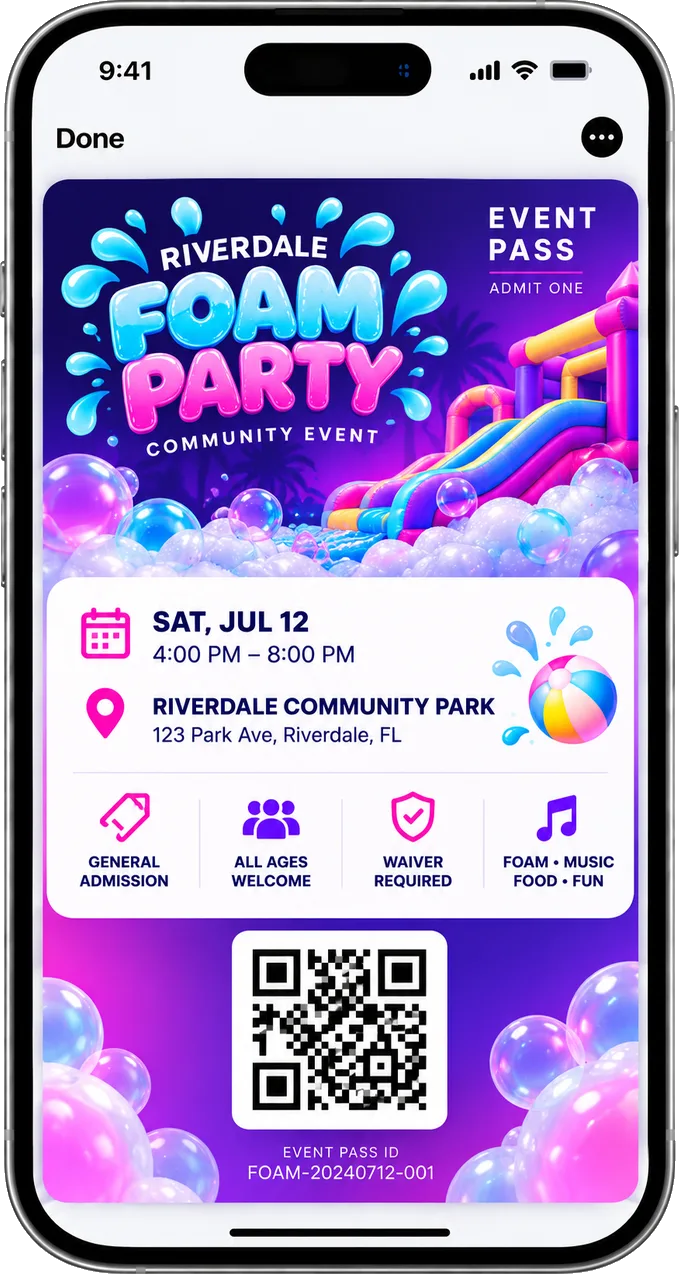
Schools, churches and companies want an easier way to run their events. You can give them one. Guests already RSVP and sign their waiver from one link. Coming next: every guest will also get an event pass to show at the gate.
- Guest RSVPs and waivers. Live today. The head count builds as guests sign, ready to share with your client
- An event pass for every guest. Coming next. The date, time and place, saved in their wallet
- Check-in at the gate. Coming next. Scan each guest's pass as they arrive
- New customers from every event. Live today. Guests who check "Send me news and offers" join your list
We connect it for you
We design your pass with your logo and set it up for you. You get a sign-up page to share with your customers. Nothing for you to build.
- Your pass. Designed with your company's logo, like a VIP pass with perks
- A sign-up page for your customers. Share the link. Customers save your pass in one tap
- You stay in control. Turn updates off, or disconnect it completely
Questions about wallet pass
Is the wallet pass ready now?
Yes. We design your pass and give you a sign-up page for your customers. Delivery updates and event passes are coming next.
Do customers need another app?
No. The pass lives in the wallet already on their phone, in Apple Wallet or Google Wallet.
Why not just send an email or a text?
Emails get buried, and texts can feel pushy. A push notification from your pass shows on the lock screen, only for people who chose to save it.
What does the card show?
Your logo, plus a coupon or early-access offer. You can also send push notifications to the lock screen of everyone who saved it.
Can I send a push notification to all my customers?
Push notifications go only to people who saved your pass. It's not a text to your whole customer list.
How do customers get the pass?
You share your sign-up page, by email, on your website or on social. They tap the link and save the pass.
Will customers see Jumpbook on the card?
No. The pass shows your company's logo.
Will delivery updates show on the lock screen?
That's the plan. Today, Jumpbook emails customers when the truck is on the way and about 5 miles away. With the pass, those updates will also show as push notifications.
Can my school and church clients use event passes?
That's the plan. Guest RSVPs and waivers work today. Event passes and check-in at the gate are coming next.